 COME
COMECompare COME on Wi-Fi and mobile data
A network comparison is most useful when you repeat the same action and change only the connection. It records an observation, not an automatic diagnosis.
Choose one action
Pick the screen or request that fails and note its exact message. Check that a trusted ordinary page opens too. Do not compare a login attempt on one connection with a different game screen on another.
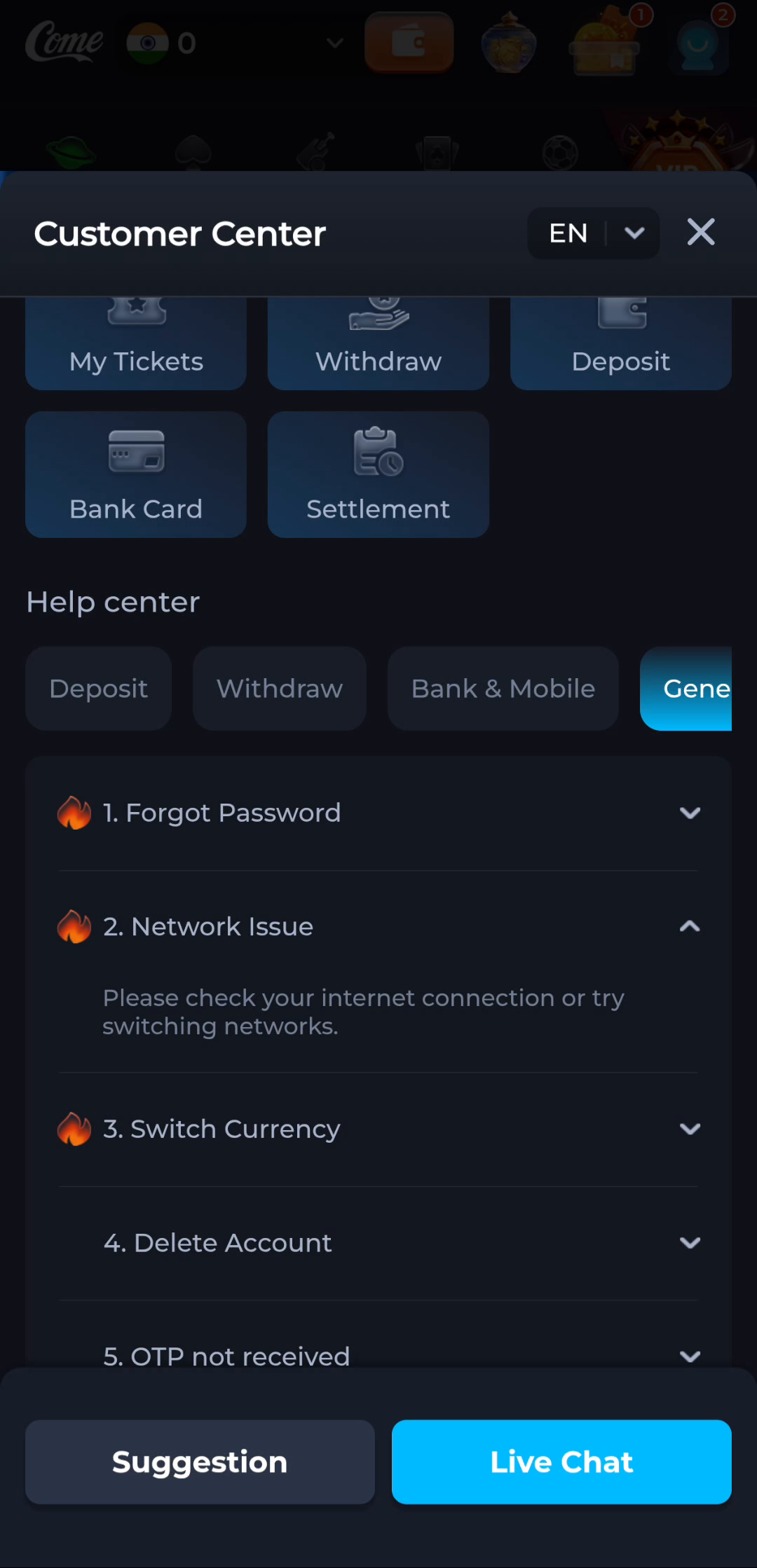
Change the connection deliberately
Where your device and plan allow it, repeat the same action on Wi-Fi and mobile data. Note the time and outcome. Avoid entering account details into an unrelated network sign-in page.
Report what happened
Say “this action failed on Wi-Fi and opened on mobile data” if that is what you observed. Do not claim that a provider or the app caused the fault without further evidence. Keep app data and account access intact.
A useful next step
Use the current help route with the two observations if the problem persists.